Download Videos from Instagram, TikTok, Facebook, Pinterest and X
DownloadMedia.online lets you save public videos from Instagram, TikTok, Facebook, Pinterest and X (Twitter) directly to your device.
Videos can be downloaded as MP4 files, and supported links can also be converted into MP3 audio. The tool works directly in your browser without requiring an app or account.
It works on Android phones, iPhones, Windows PCs, Macs and tablets using modern browsers like Chrome, Safari, Firefox and Edge.
Many social media apps do not provide direct download options for public videos. Some platforms only allow bookmarking content inside the app, while others add watermarks or limit offline access.
DownloadMedia.online provides a simple way to save publicly available content for offline viewing, backup purposes or personal reference.
Note: Only public content is supported. Videos from private accounts, restricted posts or login-protected pages cannot be downloaded through browser-based tools.
Supported Platforms
DownloadMedia.online currently supports several major social media platforms. Public videos can be saved directly to your device using a browser on mobile or desktop.
Instagram Downloader
Download public Reels, Stories, IGTV and feed videos.
TikTok Downloader
Save public TikTok videos and supported slideshows.
Facebook Downloader
Download public Facebook videos, Reels and live recordings.
Pinterest Downloader
Save supported video pins and Idea Pins.
X (Twitter) Downloader
Download public videos and supported animated posts from X.
Audio MP3 Extractor
Convert supported videos into MP3 audio files.

Instagram supports several video formats including Reels, Stories, feed videos and longer uploads. Public videos can be downloaded for offline viewing or personal reference.
Some content may not be available if the account is private or requires login access.
TikTok
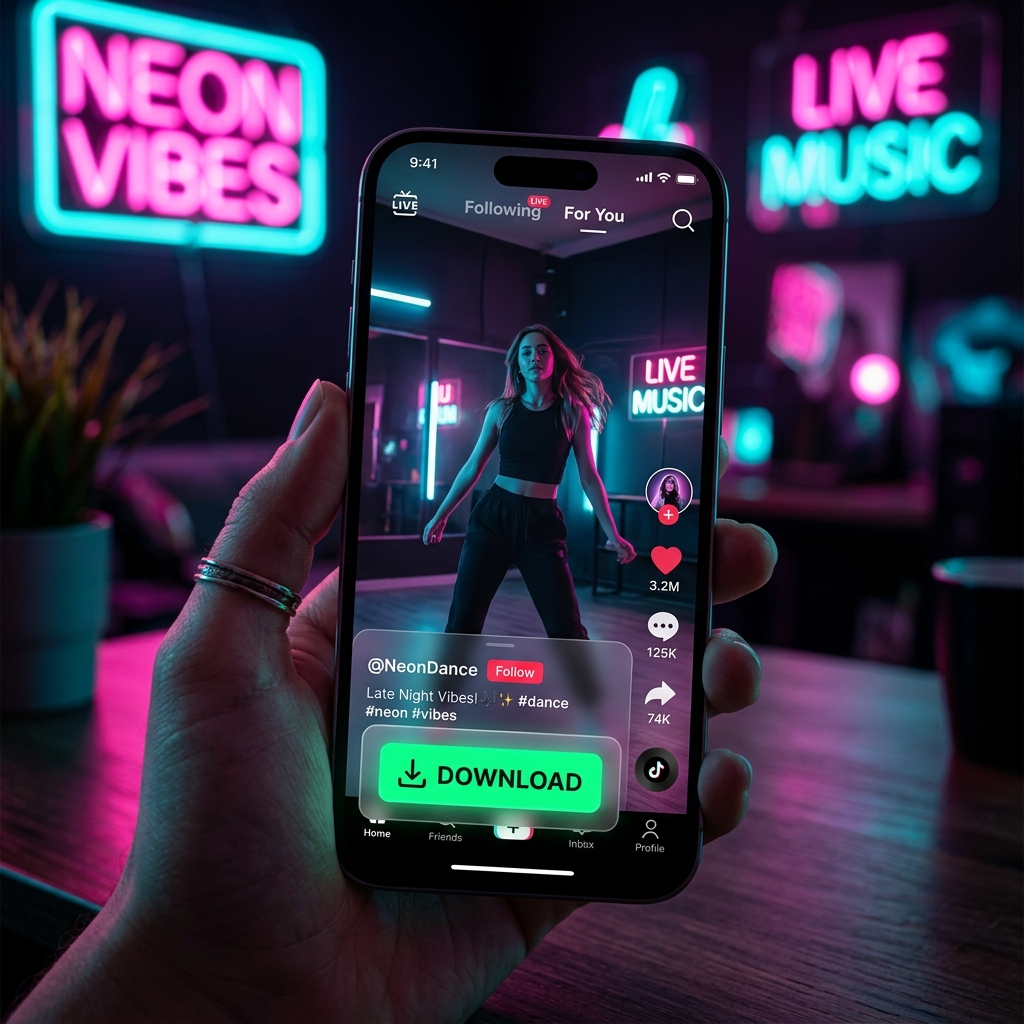
TikTok is mainly focused on short-form vertical videos. Public posts, Duets and some slideshow posts are supported.
Download availability may vary depending on the original post settings.
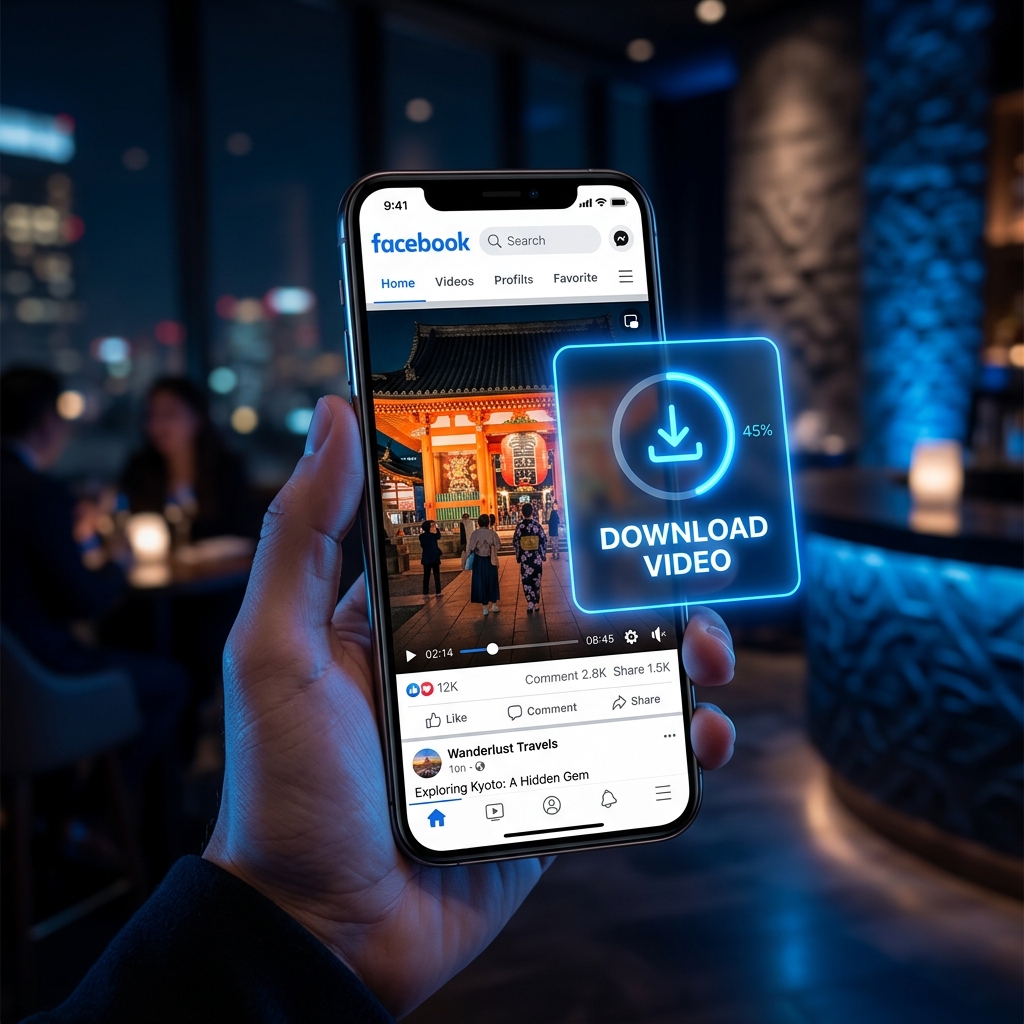
Facebook includes regular video posts, Reels and archived live streams. Only videos shared publicly can be processed through browser-based tools.
Private posts and Friends-only content are not accessible.
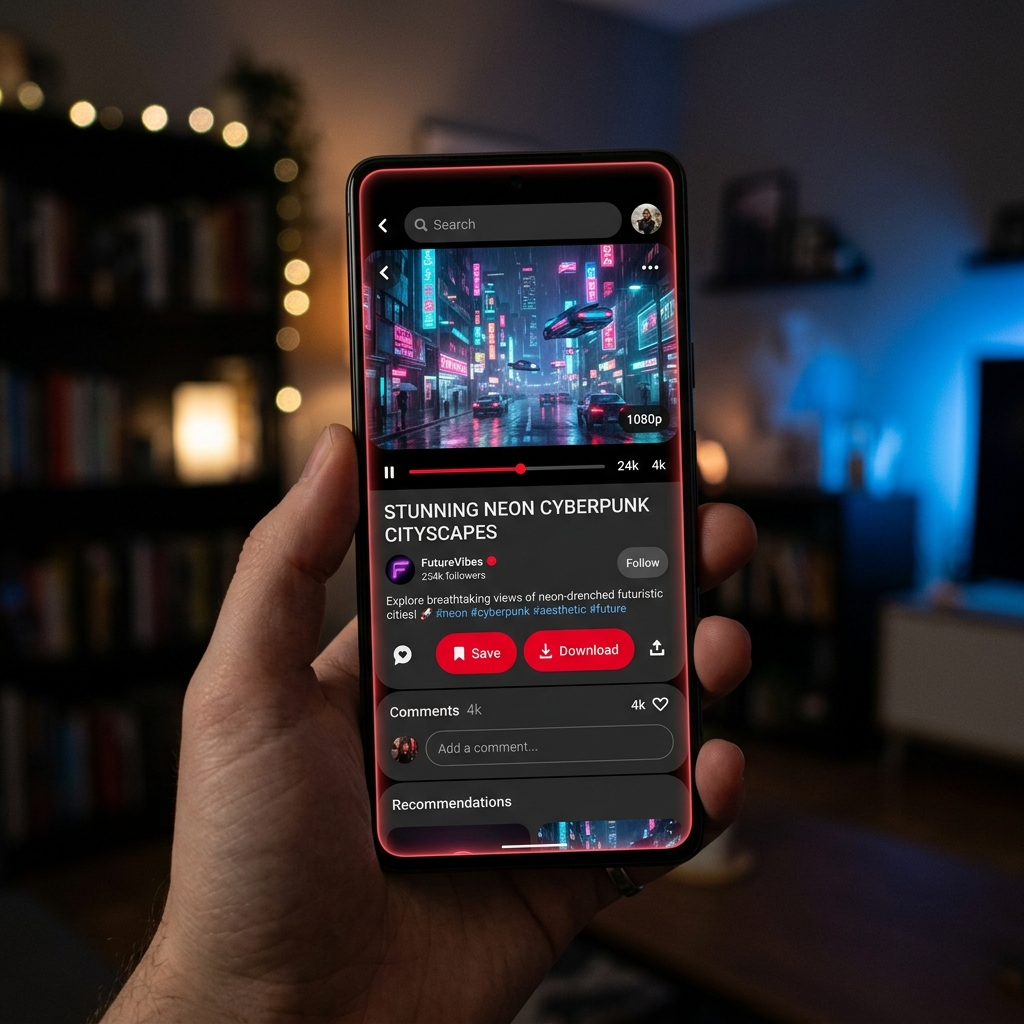
Pinterest supports both image and video pins. Supported public video pins can be downloaded directly.
Static image-only posts do not contain downloadable video files.
X (Twitter)

X is commonly used for short video clips, news posts, sports highlights and trending content.
Publicly shared videos and supported animated posts can be downloaded through compatible links.
How to Download Videos
The process is similar across all supported platforms and usually takes less than a minute on most devices.
Find the Video
Open Instagram, TikTok, Facebook, Pinterest or X and locate the public video you want to save.
Private or restricted posts cannot be downloaded through browser-based tools.
Copy the Link
Use the platform’s Share option and tap Copy Link.
This usually provides the cleanest and most compatible URL.
Paste the Link
Return to DownloadMedia.online and paste the copied link into the download box.
Choose Format
Select MP4 if you want the full video or MP3 if you only need the audio.
Save the File
After processing is complete, download the file directly to your phone, tablet or computer.
Using an iPhone or iPad
Safari usually provides the smoothest experience on iPhone and iPad. After downloading, the file can be saved to the Photos app or the Files app depending on the format.
Downloaded files may appear in the Safari downloads menu first before being moved to your preferred location.
Using Android
Chrome and most modern Android browsers support direct downloads. Saved files are usually stored in the Downloads folder and can be accessed through the Files app or gallery apps.
Using Windows or Mac
On desktop devices, downloaded files are normally saved to the browser’s default Downloads folder.
Modern browsers like Chrome, Firefox, Edge and Safari are fully supported.
How the Download Process Works
After you paste a supported video link, the tool checks whether the post is publicly available and prepares the available download formats.
Depending on the platform and video length, processing may take a few seconds before the file becomes ready.
Why Some Videos Take Longer
Download time can vary based on video length, selected quality and internet speed.
Short clips usually finish quickly, while longer videos may take more time to process and save.
Public and Private Content
Browser-based download tools can only access public posts.
Videos from private accounts, restricted pages or login-only content are not supported.
Privacy During Downloads
DownloadMedia.online is designed for direct browser-based downloads without requiring account registration.
Temporary processing files are automatically removed after downloads complete.
Why People Use DownloadMedia.online
Many people save videos for offline viewing, educational reference, travel, backups or personal use across different devices.
DownloadMedia.online combines multiple supported platforms into one simple browser-based tool.
No App Installation Required
The downloader works directly in modern browsers on phones, tablets and desktop devices.
There is usually no need to install extra software or extensions.
Works Across Multiple Platforms
Instagram, TikTok, Facebook, Pinterest and X links are supported through the same interface.
This allows users to manage downloads from different platforms in one place.
MP4 and MP3 Support
Supported videos can be downloaded as MP4 files or converted into MP3 audio depending on the selected format.
Designed for Public Content
The downloader is intended for publicly available posts and personal offline viewing.
Users should still respect platform rules and copyright policies when using downloaded content.
Formats and Quality Options
Different quality options may be available depending on the original upload.
MP4 Video
MP4 is the standard format used for video downloads. It works on most phones, computers and media players.
- 360p: Smaller file size with lower quality.
- 480p: Standard quality for general viewing.
- 720p: HD quality recommended for most users.
- 1080p: Higher quality with larger file size.
Available resolutions depend on the quality originally uploaded to the platform.
MP3 Audio
MP3 extracts only the audio from supported videos.
This format is commonly used for music, podcasts, interviews and spoken content.
- 128 kbps: Smaller size suitable for casual listening.
- 192 kbps: Balanced quality and file size.
- 320 kbps: Larger files with higher audio quality.
File Sizes
File size depends on video length, resolution and platform compression.
Higher resolutions usually produce larger downloads.
Why People Download Videos
People save videos for different reasons, including offline viewing, backups, educational use and personal reference.
Offline Viewing
Downloaded videos can be watched without an internet connection, which is useful while traveling or using limited mobile data.
Saving Your Own Content
Many creators download copies of their own videos for backup purposes or future editing.
Education and Research
Public social media videos are sometimes used in classrooms, journalism, research and tutorials.
Language Learning
Some users save videos for listening practice, subtitles or offline study sessions.
Creative Projects
Downloaded content may also be used in editing projects when permission or fair use applies.
Copyright and Platform Policies
Users should respect copyright rules and platform policies when downloading or sharing content.
Downloading your own videos or saving content for personal offline viewing is different from re-uploading someone else’s work publicly.
Private or restricted content is not supported.
Important: Always make sure your use of downloaded content follows applicable laws and creator rights.
Why Some Users Prefer Browser-Based Downloaders
Browser-based tools allow downloads without installing extra apps or extensions.
| Feature | DownloadMedia.online |
|---|---|
| Browser Based | Yes |
| Supports MP4 & MP3 | Yes |
| Works on Mobile | Yes |
| Supports Multiple Platforms | Instagram, TikTok, Facebook, Pinterest and X |
Common Download Problems
Unsupported Link
Make sure the URL comes from a supported platform and was copied using the Share option.
Private Video
Private or login-only content cannot be processed through browser-based tools.
Video Not Available
The original post may have been deleted, restricted or removed from the platform.
Slow Downloads
Large videos and high resolutions may take longer depending on internet speed and platform response time.
Missing Audio
Try downloading the video again or selecting a different quality option.
Frequently Asked Questions
How Different Platforms Handle Videos
Each social media platform stores and delivers videos differently, which can affect available quality options, processing speed and download behavior.
Instagram supports Reels, Stories, feed videos and longer uploads.
Stories are temporary and usually expire after 24 hours, so older Story links may stop working once the content disappears.
TikTok
TikTok videos are commonly shared in vertical format and may include music, effects or slideshows.
Public videos can usually be downloaded directly, while private or restricted posts are not supported.
Facebook supports regular video posts, Reels and saved live streams.
Download availability depends on the original privacy settings of the post.
Pinterest includes both image pins and video pins. Only posts containing supported video content can be downloaded.
X (Twitter)
X supports short video clips, animated posts and longer uploads for some accounts.
Protected accounts and restricted posts cannot be accessed by external tools.
Audio Downloads and MP3 Conversion
Supported videos can also be converted into MP3 audio files.
Audio downloads are commonly used for podcasts, interviews, music clips, lectures and spoken content.
Available Audio Quality Options
- 128 kbps: Smaller files suitable for casual listening.
- 192 kbps: Balanced quality and file size.
- 320 kbps: Higher quality with larger file size.
Actual audio quality depends on the original upload and how the platform processed the video.
Common Uses for MP3 Downloads
Users often save audio for offline listening, study sessions, language learning or personal reference.
MP3 files are supported by most phones, music players and desktop applications.

Privacy and Security
DownloadMedia.online works directly through the browser without requiring account registration.
All connections use HTTPS encryption to help protect data during transfers.
Public Content Only
The downloader is designed for publicly available posts. Private or login-restricted content is not supported.
Temporary File Processing
Download files are processed temporarily and are not intended for permanent storage on the server.
Advertisements
The website uses advertising services such as Google AdSense to support free access to the platform.
Browser privacy settings and ad blockers may affect how ads are displayed.
Tips for Better Downloads
A few simple habits can make downloads faster and more reliable, especially on mobile devices and slower internet connections.
Use the Share Menu Link
Copy links using the platform’s Share option whenever possible.
Shared links are usually cleaner and more compatible than browser address bar URLs.
Download Expiring Content Early
Some content such as Stories or temporary posts may expire after a short time.
Once a post is deleted or becomes private, it can no longer be downloaded.
Check if the Account Is Public
Public videos are supported, while private or restricted posts are not accessible through browser-based tools.
Use Wi-Fi for Large Videos
Longer videos and higher resolutions can use more mobile data and may take more time on slower connections.
Choose the Right Quality
Lower resolutions download faster and use less storage, while higher resolutions are better for larger screens or archiving.
Recommended Audio Quality
For most users, 192 kbps provides a good balance between sound quality and file size.
Downloading on Different Devices
DownloadMedia.online works on most modern phones, tablets and desktop browsers.
iPhone and iPad
Safari usually provides the smoothest download experience on iOS devices.
Downloaded files can be saved to the Photos app or Files app after processing.
Android Phones
Chrome and other Android browsers support direct downloads.
Files are normally stored in the Downloads folder and can be accessed through the Files app or gallery apps.
Windows PCs
Downloads are usually saved in the browser’s default Downloads folder.
MP4 videos work in most modern media players and browsers.
Mac
Safari and Chrome are both supported on macOS.
Downloaded videos can be opened directly in QuickTime Player or other video apps.
Chromebooks and Tablets
Modern Chromebook browsers and tablets are also supported for standard video downloads.
Why Offline Video Access Matters
Social media platforms have become one of the main ways people consume videos, tutorials, entertainment and educational content.
Many users prefer saving important videos locally instead of depending entirely on internet access or platform availability.
Offline Viewing
Downloaded videos can be watched without buffering during travel or in areas with limited connectivity.
Content Backup
Some creators save copies of their own posts for backup and editing purposes.
Educational Use
Tutorials, lectures and informational videos are often easier to revisit offline.
Long-Term Access
Social media posts can be deleted, removed or made private over time.
Keeping a local copy helps preserve content for future reference.
Summary
DownloadMedia.online is a browser-based downloader that supports public videos from Instagram, TikTok, Facebook, Pinterest and X.
Videos can be downloaded as MP4 files and supported links can also be converted into MP3 audio.
What the Tool Supports
- Public video downloads
- MP4 video format
- MP3 audio extraction
- Mobile and desktop browsers
- Multiple social media platforms
What Is Not Supported
- Private or restricted accounts
- Deleted content
- Login-protected posts
- Content unavailable on the original platform
Users should always respect copyright rules, creator rights and platform policies when downloading content.
Platform-Specific Guides
Each supported platform has its own guide page with additional instructions and troubleshooting tips.
Instagram Downloader
Reels, Stories and public video posts.
TikTok Downloader
Public videos, slideshows and audio extraction.
Facebook Downloader
Reels, video posts and supported live recordings.
Pinterest Downloader
Video pins and supported Idea Pins.
X (Twitter) Downloader
Public video clips and animated posts.
Audio MP3 Extractor
Convert supported videos into MP3 files.
About DownloadMedia.online
DownloadMedia.online is a browser-based tool designed for downloading publicly available social media videos.
The service focuses on simple access across mobile and desktop devices without requiring additional software.
Supported Browsers
Modern versions of Chrome, Safari, Firefox and Edge are supported.
Privacy and Temporary Processing
Downloads are processed temporarily and the service does not require user registration.
Additional Pages
Why People Save Online Videos
Social media platforms have become one of the main places where people watch tutorials, entertainment, educational content and short videos.
Many users prefer saving useful videos locally so they can watch them later without depending on internet access.
Offline Viewing
Downloaded videos can be watched during travel, in low-network areas or without using mobile data repeatedly.
Saving Useful Content
People often save tutorials, recipes, workout guides, lectures and reference material for future use.
Creator Backups
Some creators also download copies of their own content for backup and editing purposes.
Video Formats and Quality
MP4 Video
MP4 is the most common format for video downloads and works on almost all modern devices and media players.
MP3 Audio
MP3 keeps only the audio portion of supported videos.
This format is commonly used for podcasts, music, interviews and spoken content.
Quality Options
Available quality depends on the original upload and the platform’s available formats.
- 360p — smaller file size
- 720p — balanced quality
- 1080p — higher quality with larger files
Downloading Responsibly
Users should respect copyright rules, creator rights and platform policies when downloading content.
Downloading content for personal offline viewing is different from reposting or redistributing someone else’s work publicly.
Reminder: Always make sure your use of downloaded content follows applicable laws and creator permissions.
Supported Devices
DownloadMedia.online works across modern phones, tablets and desktop browsers.
iPhone and iPad
Safari is usually the best option for downloading files on iOS devices.
Android Devices
Chrome and most Android browsers support direct downloads.
Windows and Mac
Downloaded files are typically saved in the default Downloads folder.
Common Download Issues
Private Videos
Private or restricted posts cannot be downloaded through browser-based tools.
Unsupported Links
Make sure the copied link comes from a supported platform and uses the platform’s Share option.
Slow Downloads
Large videos and slower internet connections may increase processing time.
Deleted Content
If the original post has been removed, the video may no longer be available for download.
About DownloadMedia.online
DownloadMedia.online is a browser-based downloader for publicly available social media videos.
The service supports Instagram, TikTok, Facebook, Pinterest and X links across desktop and mobile devices.
No additional software installation is required for standard downloads.
Privacy and Download Safety
DownloadMedia.online works directly in your browser and does not require account registration.
Users can paste a supported public video link and download the file without installing extra software.
Browser-Based Downloads
Browser-based tools are often simpler than installing apps or extensions, especially for occasional downloads.
Modern browsers already include built-in download support, media playback and basic security protections.
Safe Download Habits
- Use trusted websites and browsers
- Keep your browser updated
- Download only supported media files such as MP4 or MP3
- Avoid unknown executable files or installers
Frequently Asked Questions
Using Downloads for Work and Study
Downloaded videos are sometimes used for research, education, presentations, reference material and offline viewing.
Creators may also save copies of their own videos for backup or editing purposes.
Browser-Based Tools vs Extensions
Browser-based downloaders work directly through a website without requiring installation.
This makes them easier to access across different devices, including phones, tablets and desktop browsers.
Works Across Devices
DownloadMedia.online supports Android, iPhone, Windows, Mac and Chromebook browsers.
Accessibility and Device Support
The downloader is designed to work on most modern devices using standard web browsers.
Responsive layouts help the site adapt to both mobile screens and desktop displays.
Free Access
Core downloading features are available without registration.
Supported Platforms
DownloadMedia.online supports public video downloads from:
- TikTok
- X (Twitter)
Supported videos can be downloaded as MP4 files or converted into MP3 audio when available.
Start Downloading
Paste a public video link into the downloader above to begin.