DownloadMedia.online

How to Download Videos Online (Instagram, Facebook, TikTok, Pinterest & X)

Updated 2026 • Complete Beginner Guide

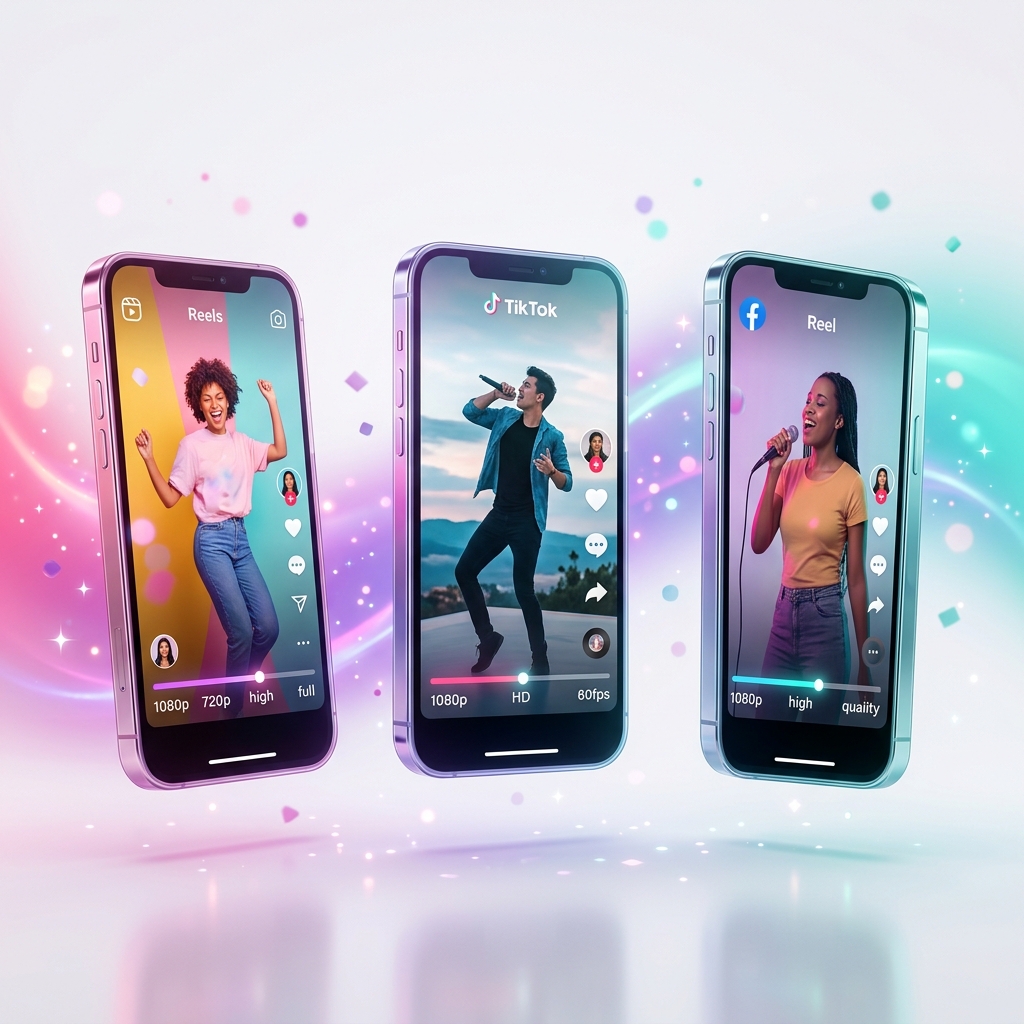
Millions of people search every day for ways to download videos from Instagram, Facebook, TikTok, Pinterest and X (Twitter). Most guides recommend apps, extensions or risky software. A browser-based video downloader is faster, safer and works instantly on any device.

This complete guide explains how online video downloaders work and how to download public videos safely in HD quality.

Download Videos From Any Platform

No installation. No login. No registration. Works on Android, iPhone, Windows and Mac.

Table of Contents

Step-by-Step: How to Download a Video Online

  1. Open the video on any platform.
  2. Copy the video link.
  3. Paste the link into the downloader.
  4. Select Video or Audio.
  5. Choose HD quality.
  6. Click download.

What Is an Online Video Downloader?

An online video downloader is a web-based tool that extracts public video or audio streams from a shared link and prepares them for download directly in your browser.

Public vs Private Content

Video downloaders only work with publicly accessible media. Private accounts or restricted content cannot be accessed.

How Video Downloaders Work

Most platforms store video and audio separately. Download tools extract and merge both streams before saving the final file.

Why HD Videos Take Longer

HD videos require extracting video stream, extracting audio stream and merging both into MP4.

Download Instagram Videos

Supports reels, posts and public Instagram videos.

Download Facebook Videos

Supports public Facebook videos and reels.

Download TikTok Videos

Download public TikTok videos without installing apps.

Download Pinterest Videos

Download videos from public pins instantly.

Download X (Twitter) Videos

Download videos from public tweets and clips.

Is Using Online Downloaders Safe?

Browser-based downloaders are safer than unknown apps because no installation is required.

Troubleshooting Download Problems

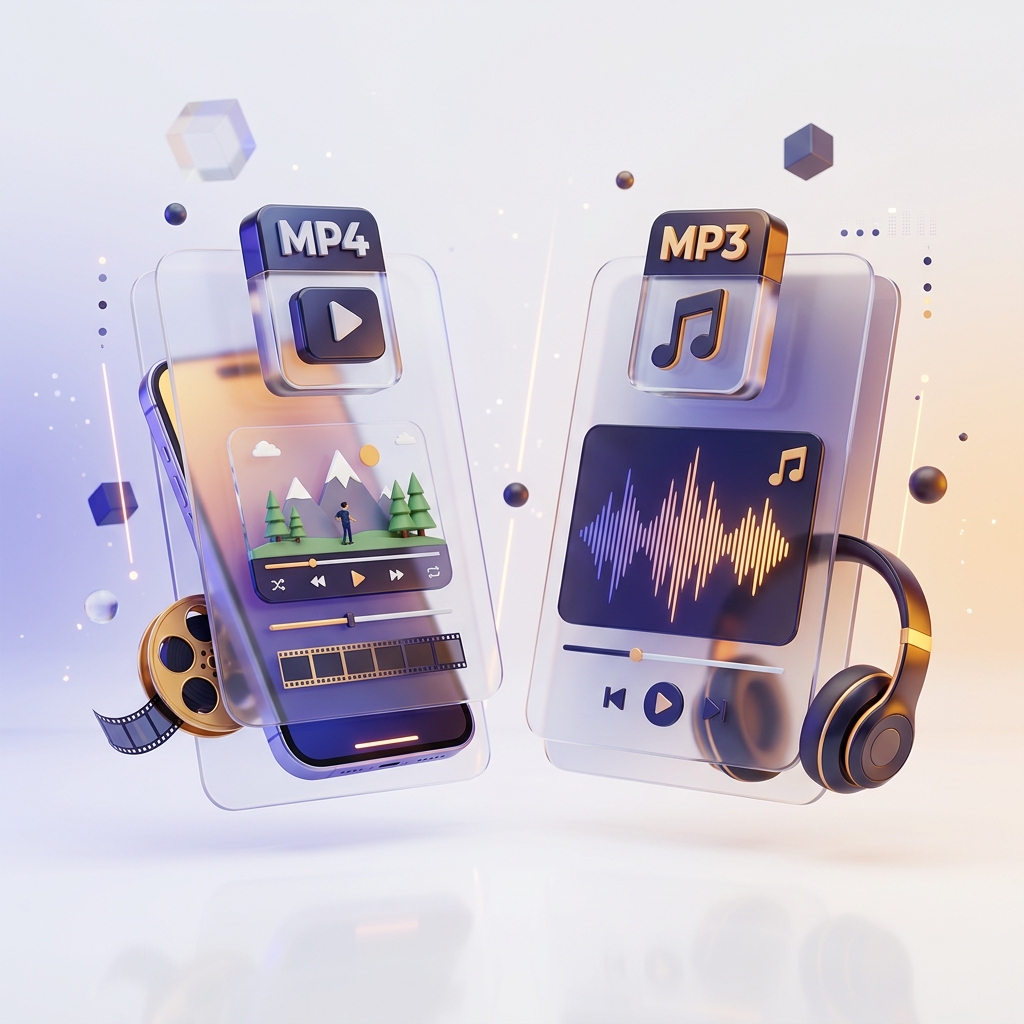
MP4 vs MP3

MP4: video + audio together.
MP3: audio only.

Frequently Asked Questions

Do I need to install anything?

No. Everything works in your browser.

Are files stored?

No. Files are processed temporarily and deleted automatically.

Does it work on mobile?

Yes. Fully optimized for Android and iOS.

Why does HD take time?

Video and audio must be merged before download.

Contact

Need help? Visit our Contact Page.